The Ultimate WooCommerce Variation Swatches Plugin
Upgrade your WooCommerce store with intuitive color, image, and label swatches that boost conversions up to 30% while enhancing customer experience.

Color Swatches
Image Swatches
Label Swatches
Custom Swatches
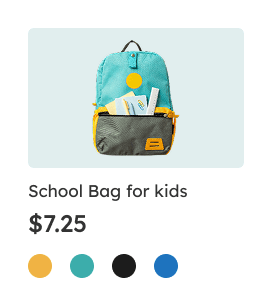
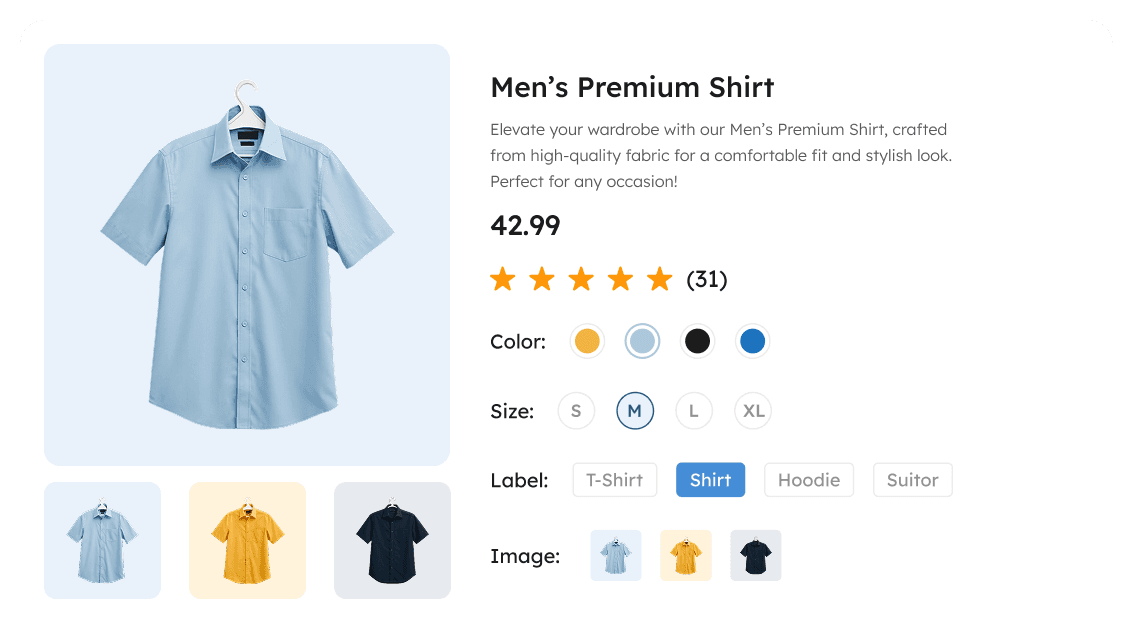
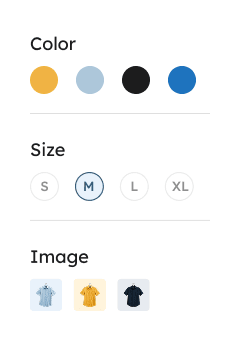
See the Difference Swatchly Makes
Compare the old way vs. the Swatchly way—fewer frustrations, faster decisions, and happier customers.

Without Swatchly
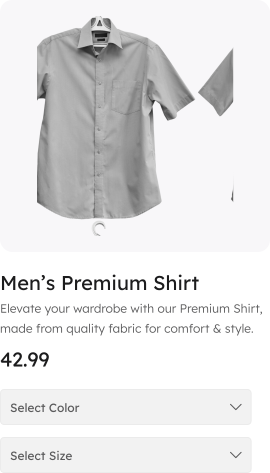
Problems:

No Visual Feedback
Slow Selection Process
Lower Conversions
High Abandonment
Confuse Customers
Poor Mobile UX

With Swatchly
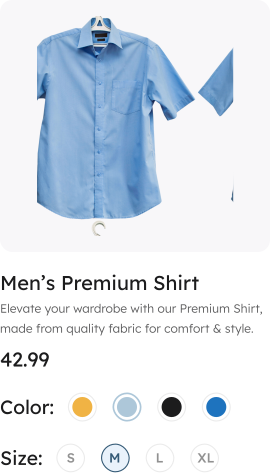
Benifits:

Visual Selection
73% Faster Checkout
Higher Conversions
Confident Buying
Clear Choices
Mobile-Optimized
Numbers That Speak
Discover stats showing how Swatchly enhances shopping.

120k+
Total Downloads
and counting…

4.4/5
Average Rating
from 21+ reviews

6000+
Active Stores
growing daily

+32%
Conversion Boost
average increase
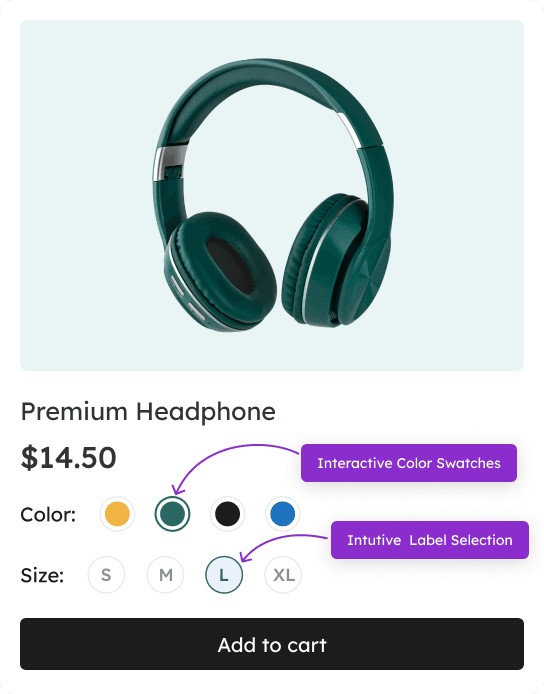
Meet Swatchly — A Better Way to Show Product Variations
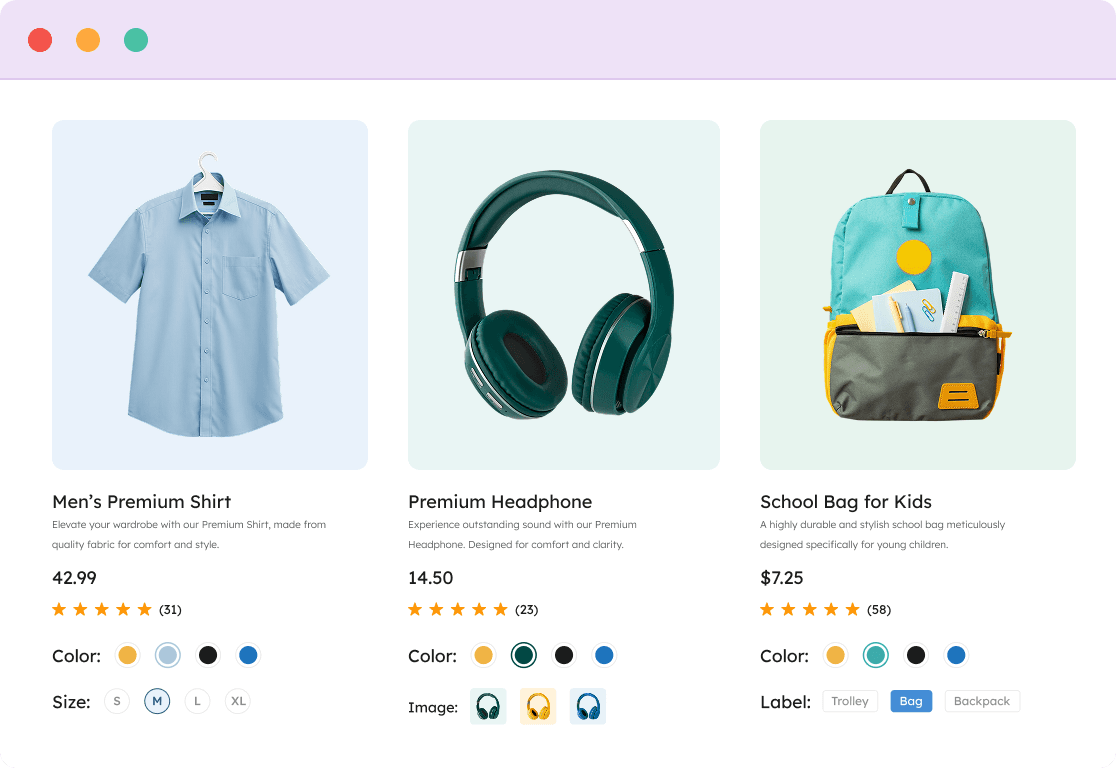
Swatchly replaces dropdowns with interactive swatches — show variations as colors, labels, or images. It’s fast, mobile-friendly, and works beautifully across your product pages, archive lists, and quick view popups.

Visual Selection
Customers can instantly view all available options without needing to click any additional buttons.
Reduced Friction
Engaging directly with color swatches fosters a much smoother and more intuitive shopping experience for users.
Mobile Optimized
Perfectly sized touch targets that function exceptionally well across all devices, particularly on mobile platforms.
+30%
Conversion Rate
-25%
Cart Abandonment
2x
Product Interaction
Why Store Owners Love Swatchly – WooCommerce Variation Swatches Plugin
Powerful features that deliver real results for your WooCommerce store
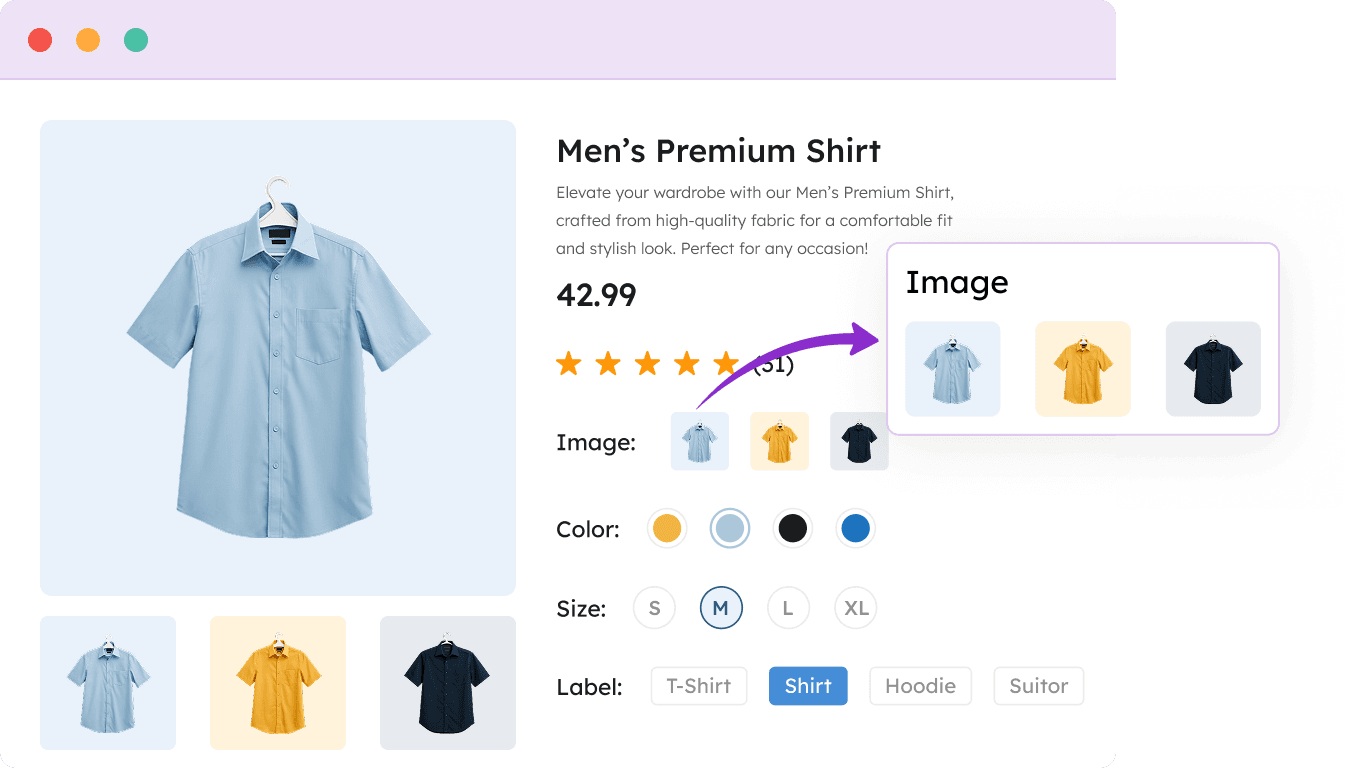
Image Variation Swatch
Image Variation Swatch enhances product presentation by showcasing images for each variation, creating a visually engaging shopping experience.
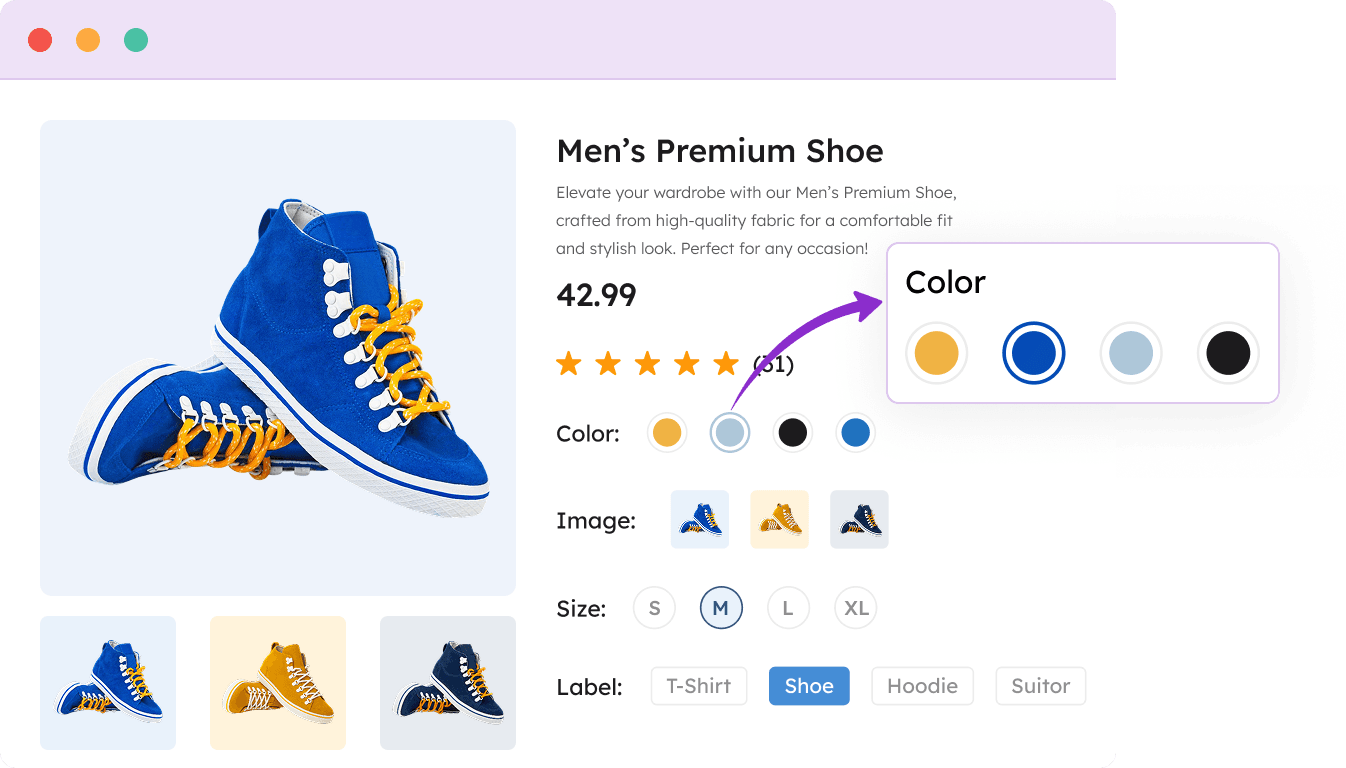
Color Variation Swatch
Color Variation Swatch enhances product aesthetics by showcasing color options as swatches. It simplifies selection and adds vibrancy to your online store, helping customers easily choose their preferred colors.
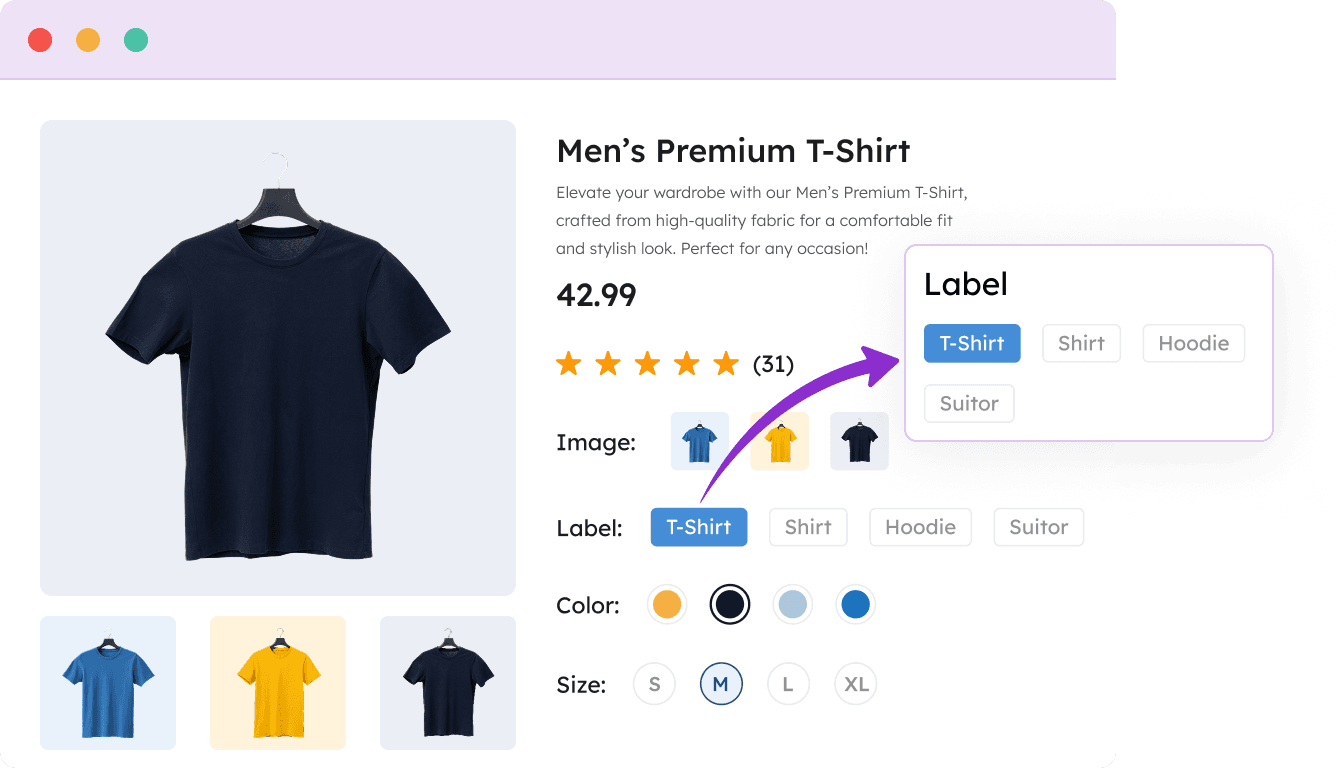
Label Variation Swatch
Label Variation Swatch simplifies product selection by replacing text attributes with clear labels, enhancing the shopping experience and helping customers make informed choices.
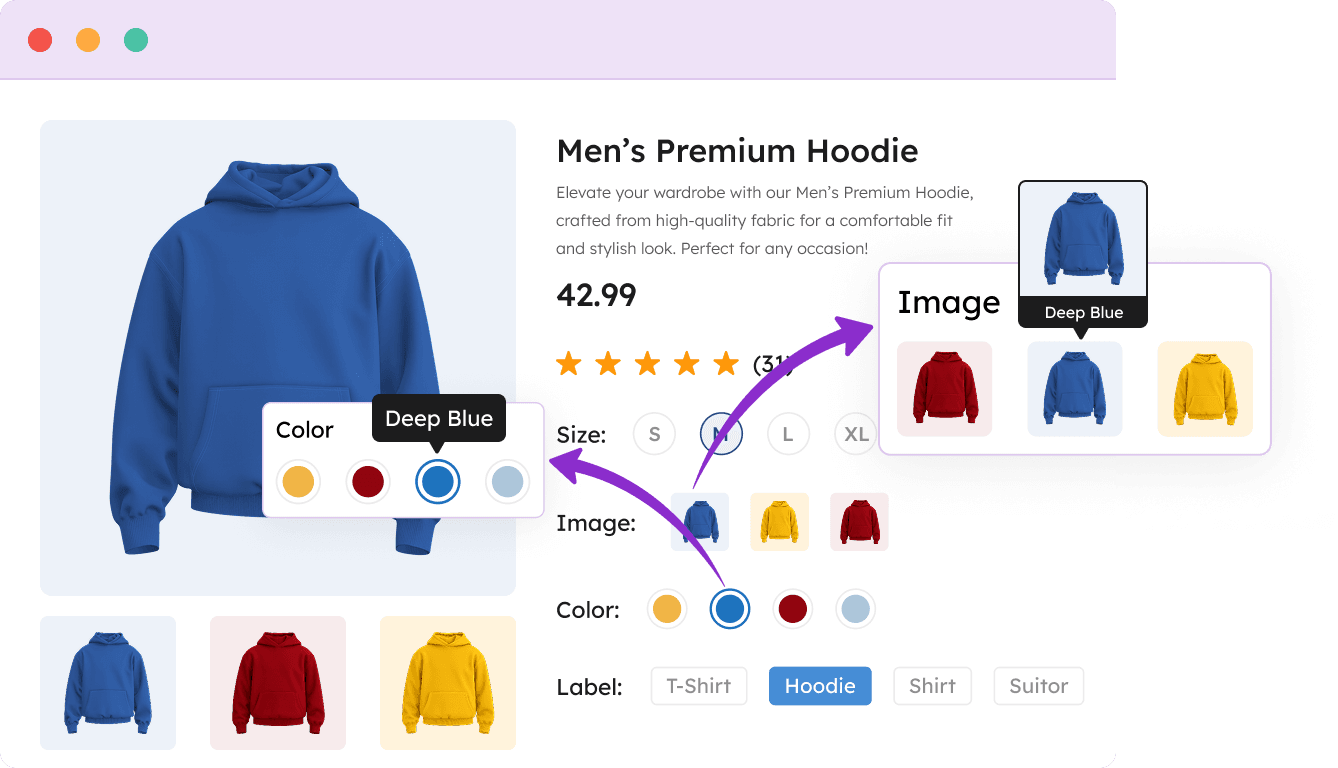
Tooltip Variation Swatches
Tooltip Variation Swatch enhances the shopping experience by providing informative tooltips on product variations. Customers can hover over swatches to access detailed information, helping them make confident decisions.
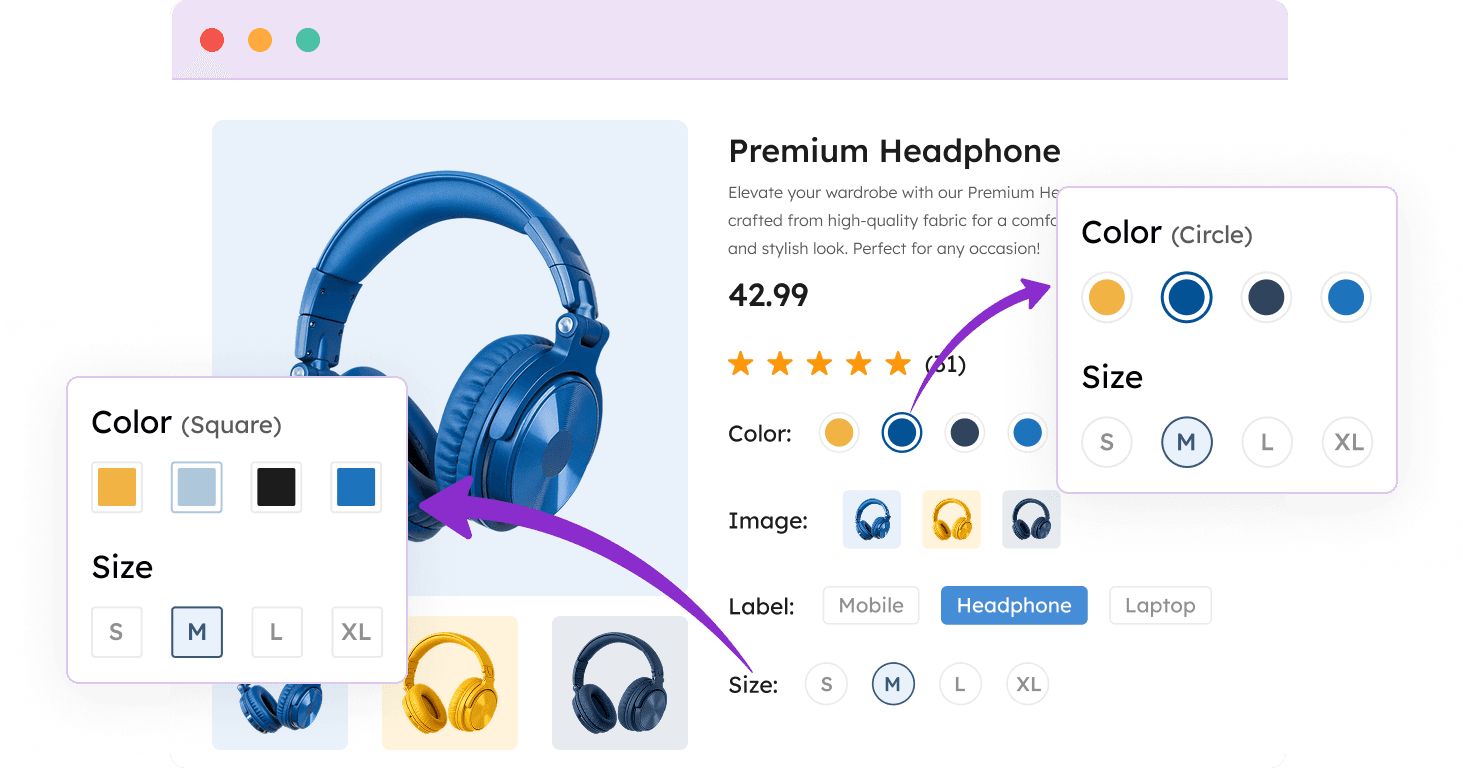
Attribute Shape Style
The Shape Style feature provides three swatch shapes: Squared, Rounded, and Circle. These styles help customize your swatches to align with your brand and enhance the shopping experience.
Attribute Behavior (Cross Sign/Blur/Hide)
Attribute Behavior offers three options for product attributes: Cross Sign marks disabled options, Blur indicates unavailable choices, and Hide conceals inactive attributes, enhancing user experience.
Perfect for Every WooCommerce Store
See how Swatchly transforms the shopping experience across different industries
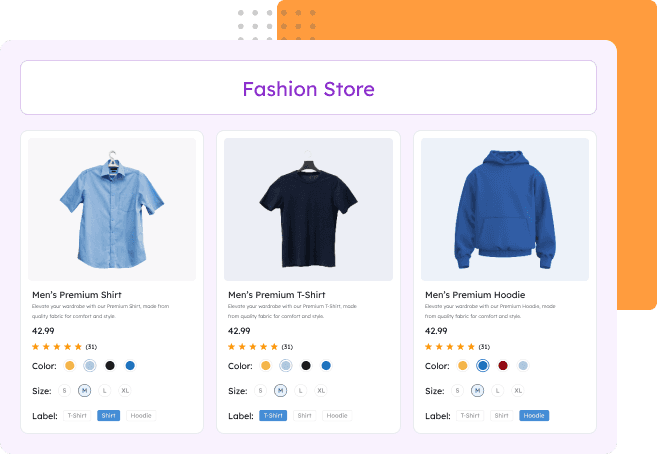
Fashion & Clothing Stores
Display color and pattern options visually to reduce returns and increase customer satisfaction. Ideal for clothing items with multiple variations.

Color & pattern visualization
Reduced return rates
Better size & fit guidance
Improved customer confidence
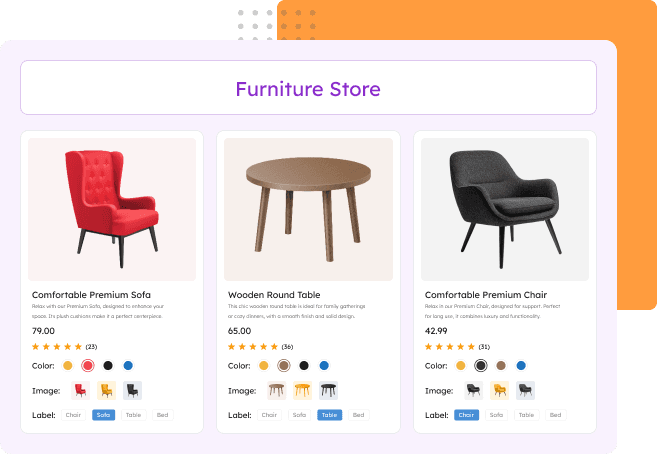
Furniture & Home Decor Stores
Show material textures and finish options clearly to help customers visualize products in their space. Perfect for furniture with customizable materials and colors.
Material & finish visualization
Fewer customer inquiries
Increased average order value
Reduced sample requests
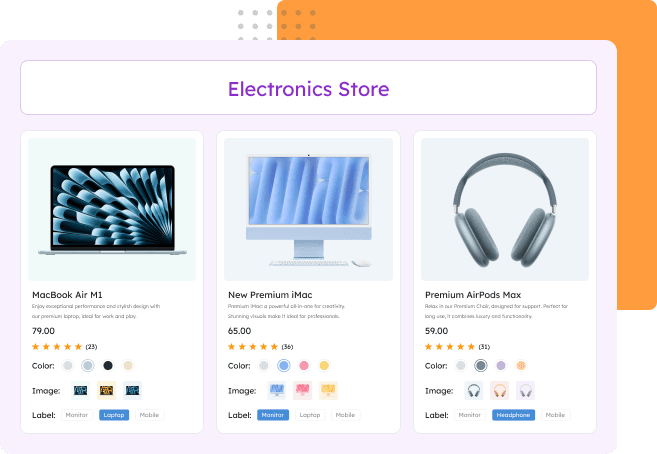
Electronics & Tech Stores
Make technical specifications easy to understand with visual selection for storage, colors, and configurations. Ideal for devices with multiple technical variations.
Storage capacity clarity
Model comparison made simple
Reduced support tickets
Faster purchase decisions
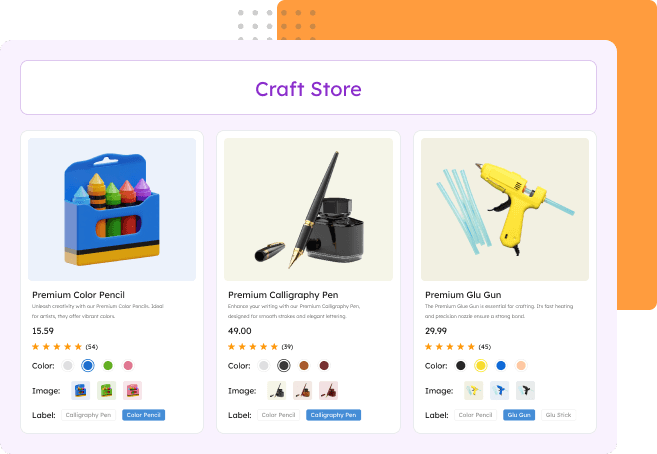
Craft & Art Supply Stores
Display color options, material types, and size variations intuitively for creative customers. Essential for stores with extensive product variations.
Color accuracy display
Bundle options visualization
Simplified SKU management
Enhanced browsing experience
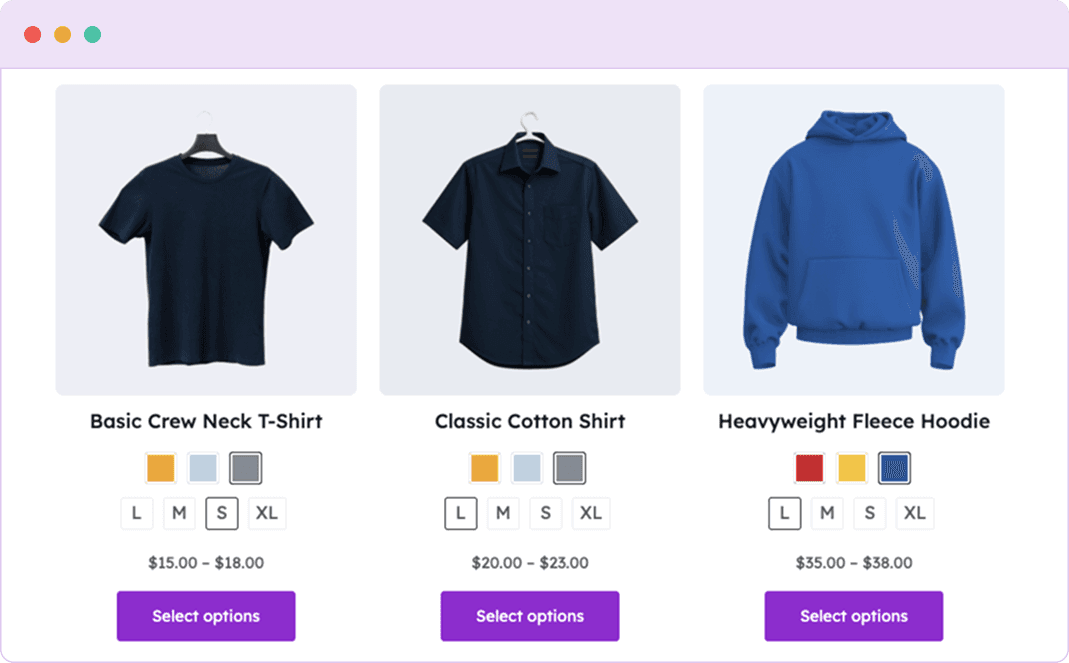
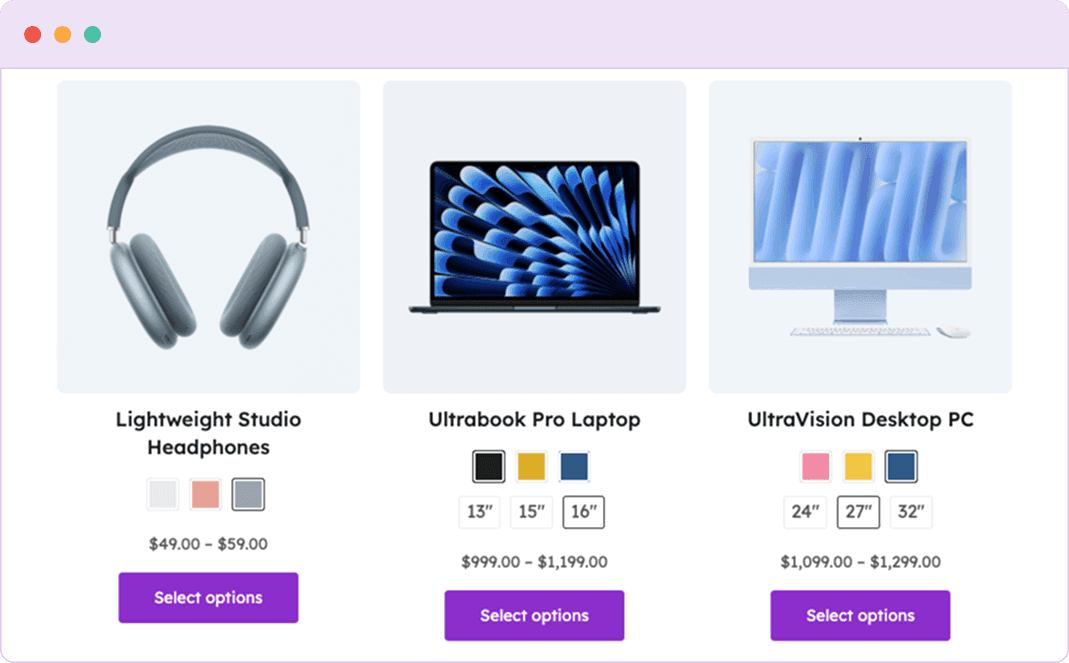
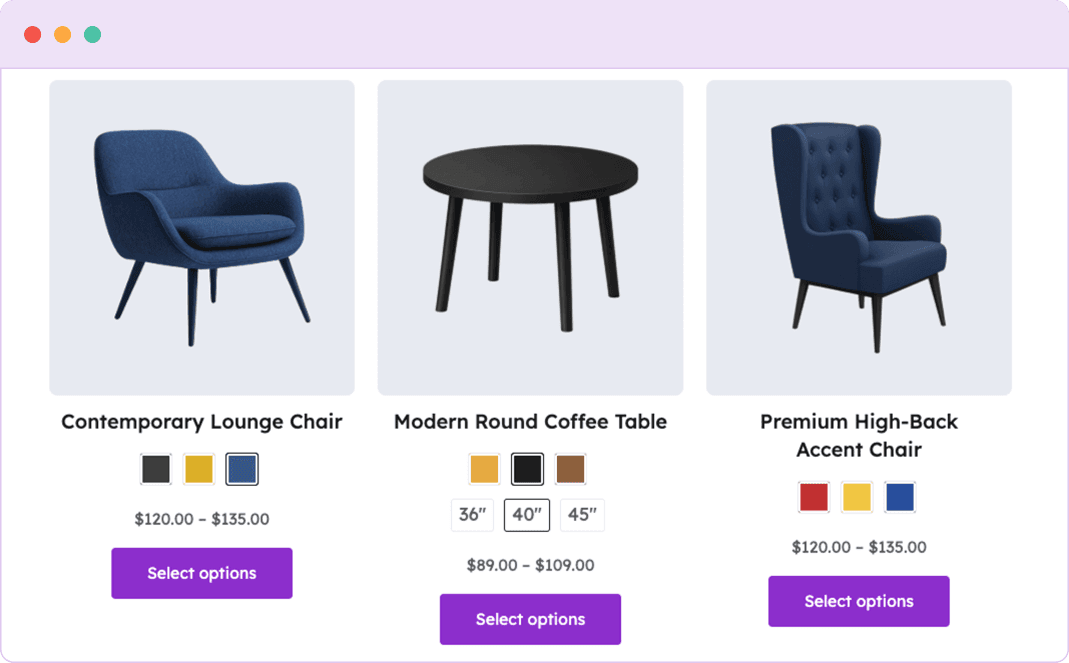
A Glimpse Inside Swatchly
Take a look at real screenshots to discover how easy it is to enhance your WooCommerce store with product variation swatches.
Loved by 6,000+ WooCommerce Store Owners
Discover what our satisfied customers are saying about their wonderful experiences with Swatchly.


Simple and Effective. Just What I Wanted
I was looking for a simple to use plugin that did the job it said it would do and that’s exactly what I found with the Swatchly plugin. I had a small issue and contacted support. I received immediate help and they resolved my issue quickly. Super great customer service and support. I highly recommend this plugin!!

Dori – KKD
(@dorikkd)
Good and quick support
I had some issues with WooCommerce Bundle and this plugin, but I wrote to the support team and they quickly fixed it. Great support and plugin!

Mikkelaveo
(@mikkelaveo)
It works fine, and if not they solve it!
It works fine with elementor. It is easy to use and customize.
One day it stops working because an Elementor update. But it only takes few hour to them to solve the problem.
Good choice for your web.

Brandhip
(@brandhip)
Attribute not showing on shop page
Hi I have added attribute to my simple product it is showing in additional tab on products details page but on shop thumb it is not visible. Please help me to resolve this issue

RadhikaJAKS
(@Radhikajaks)
Packed with Everything You Need
Compare the free and pro versions to find the perfect fit for your store
| Features | Free | Pro |
|---|---|---|
| Color Swatches for WooCommerce |  | |
| Label & Text Swatches | | |
| Image Swatches Plugin Support |  | |
| Archive/Shop Page Swatches | | |
| Tooltip with Text or Image | | |
| Hide Out-of-Stock Variations | | |
| Quick View Plugin Compatibility | | |
| Catalog Mode (B2B) | | |
| Ajax Add to Cart | | |
| Custom Swatch Designs | Limited | Full Control |
Up and Running in Under 5 Minutes
Setting up Swatchly is quick and easy — no technical knowledge required


1. Install and Activate
Download the plugin from WordPress.org and activate it like other plugins.

2. Choose Swatch Attributes
Select product attributes for swatches (e.g., color, size, material) in Swatchly settings.

3. Customize Appearance
Choose swatch types (color, image, label), select shape styles, & adjust tooltips.

4. Boost Your Conversions
Boost customer engagement, cut cart abandonment, and raise conversion rates.
Frequently Asked Questions
Find answers to the most common questions about Swatchly
Will Swatchly work with my theme?
Yes, Swatchly is designed to be compatible with virtually all WordPress themes and WooCommerce stores. Our flexible design options ensure seamless integration with your existing store design. In the rare case where you encounter compatibility issues, our support team is ready to help resolve them quickly.
Do I need coding skills to use Swatchly?
Not at all! Our intuitive admin interface makes setting up and customizing swatches simple for everyone. No coding knowledge is required to implement any of Swatchly’s features. The plugin uses a user-friendly dashboard with visual controls for all settings and customizations.
Will this slow down my website?
Swatchly is optimized for performance with minimal impact on load times. Our code is lightweight and follows WordPress best practices to ensure your site remains fast and responsive. The plugin loads assets only where needed and uses efficient caching techniques to minimize any performance impact.
Can I customize how swatches look?
Absolutely! You can customize shapes (square, rounded, or circular), sizes, colors, borders, and even add tooltips with additional information. Swatchly offers extensive styling options for colors, fonts, borders, and more. You can also set different styles for product pages and shop/category pages to create the perfect look for your store.
Is Swatchly compatible with the latest WooCommerce version?
Yes, we maintain regular updates to ensure compatibility with the latest versions of both WordPress and WooCommerce. Our development team tests Swatchly with each new WooCommerce release to ensure everything works properly. You can check our changelog on the WordPress repository for details on the most recent compatibility updates.
Can I use Swatchly on multiple websites?
The free version of Swatchly can be used on as many sites as you wish. For the Pro version, we offer different license options depending on how many sites you need to cover. Our multi-site licenses provide excellent value for agencies and developers who manage multiple WooCommerce stores. Check our pricing page for details on multi-site license options.
Get Started With Swatchly Today
Download the free version or unlock powerful Pro features. It’s time to give your product variations the upgrade they deserve.

Easy Setup
No Coding Required
Expert Support